
Product help

Listing and notice guides

Choose a task, prepare your content, and work through the result.

Illustrative example
Listing copy

Botanical spray with guaranteed results.

Review the guarantee
Remove claims you cannot support.

Check a product listing

  1. 01Paste the title, description, tags, and category in one place.
  2. 02Select only the marketplaces where the listing will be published.
  3. 03Review matched text, policy evidence and suggested actions. Check any rewrite against the product facts before using it.
Open this check
Illustrative example
Marketplace noticeListing removed

Review your product claims.

Prepare your response

Understand the issue

Record your changes

Check material requests

Understand a policy notice

  1. 01Paste the full notice text, including platform reason and affected item.
  2. 02Choose the marketplace that issued the notice.
  3. 03Read the reason and recommended next step. Prepare only the materials relevant to the notice; not every notice requires an invoice or a plan of action.
Open this check
Illustrative example
Listing copy

Botanical spray with guaranteed results.

Review the guarantee
Remove claims you cannot support.

Read and revisit a result

  1. 01Open the saved result after you submit or edit the listing.
  2. 02Record whether the marketplace approved, rejected, or kept it under review.
  3. 03Use the matched text and source to review what needs changing. An unknown or possible match needs review, not an assumption of compliance.
View a sample result
Illustrative example
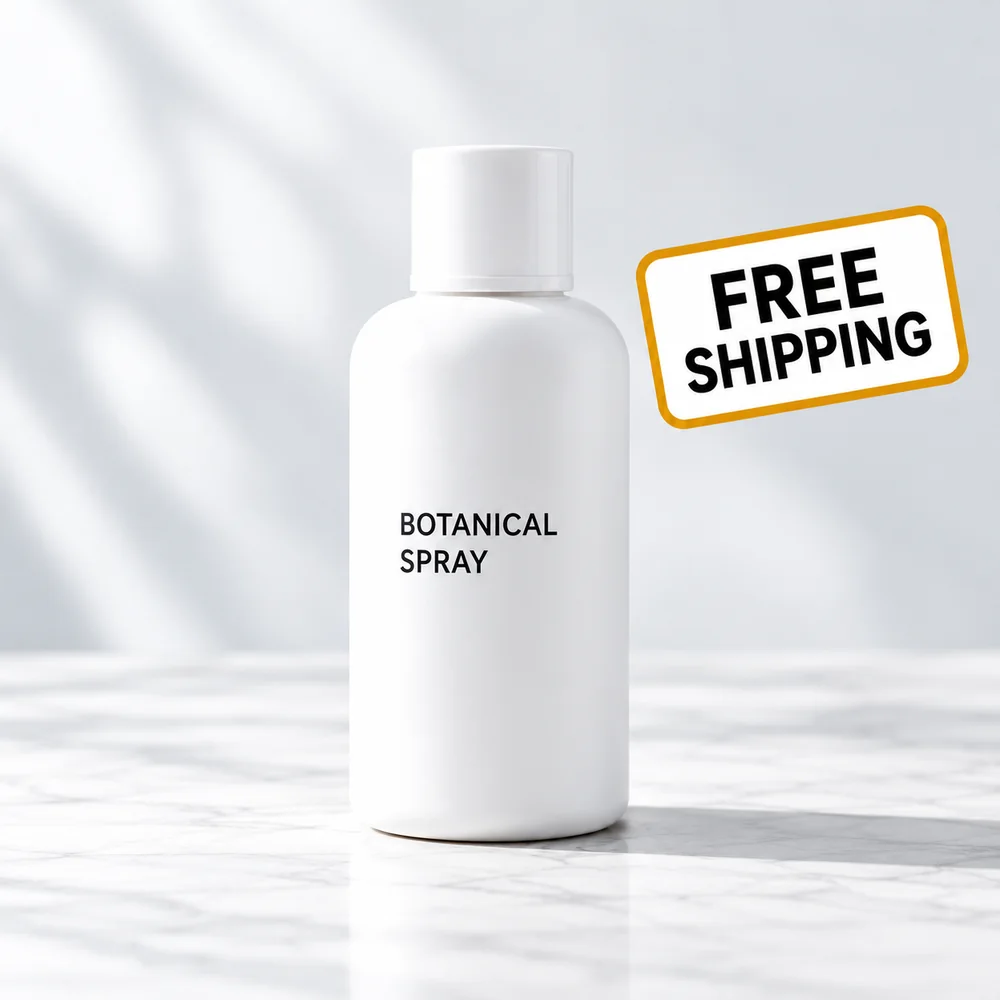
Example product photo with an added FREE SHIPPING badge1000 × 1000 px
Free-shipping textReview the added badge

Images and batches

Add images to an individual Amazon US listing for dimension and visible free-shipping wording checks.

For CSV/XLSX, map the title and description fields and review the preview before starting; batch files check text, not images.

Amazon image examplesCheck a batch